WiFi Support
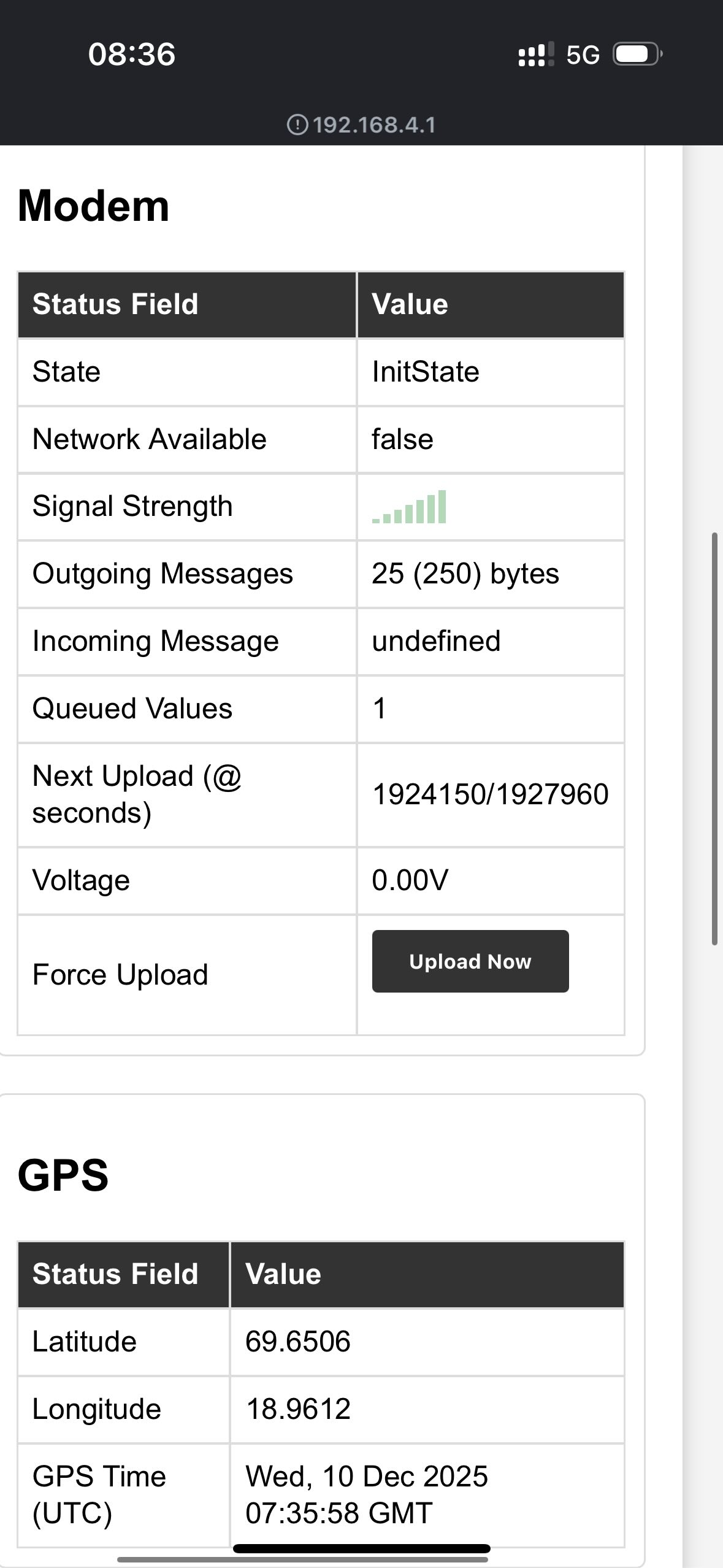
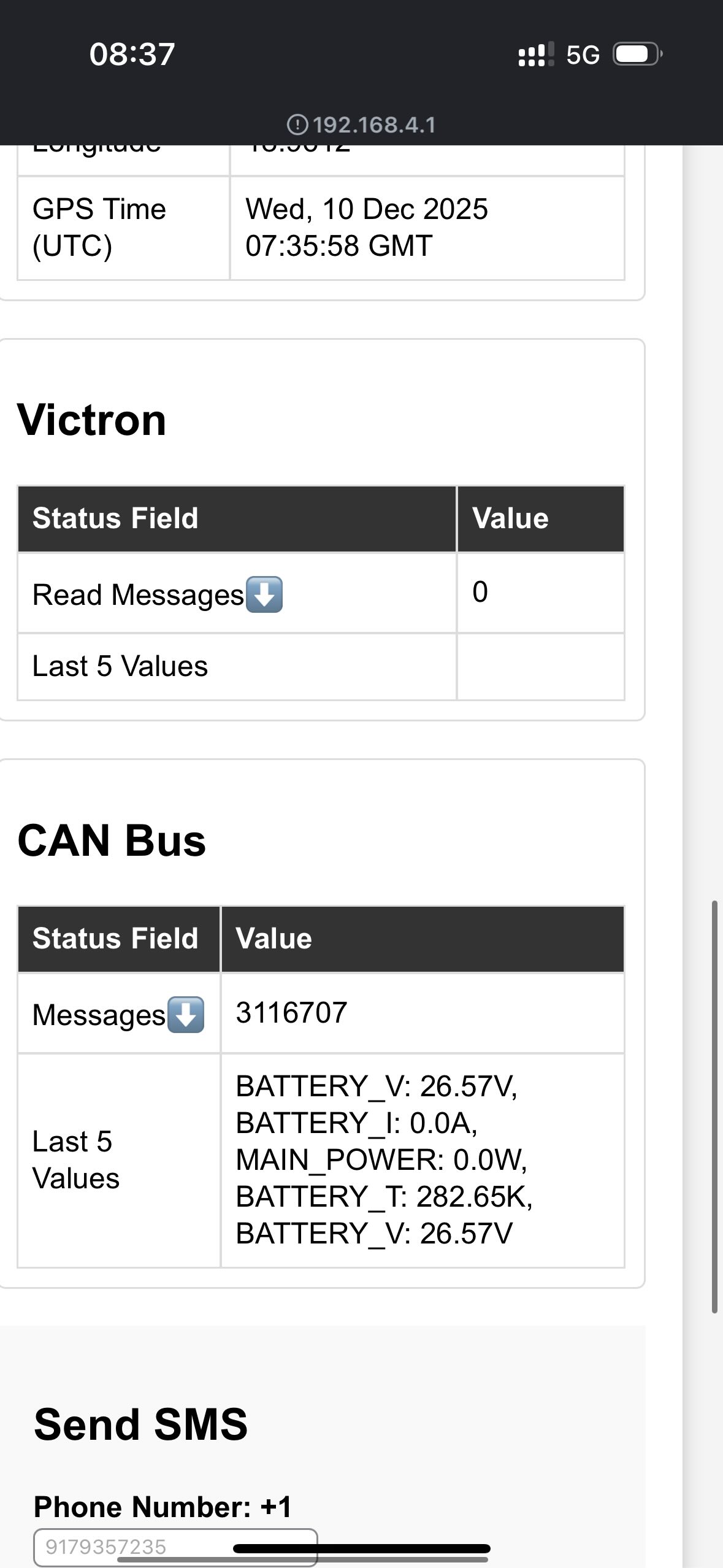
The Modem, the Data Logger and the Data Logger Wireless host their own WiFi access point that serves a status page for installation, diagnostics and firmware updates. The WiFi interface is not used to transport data, all data is sent over Iridium.
Integration with WiFi enabled devices can be supported on request, please contact us to share your requirements.
Connecting
| Parameter | Value |
|---|---|
| SSID | satlog-logger-xxxx for the Data Logger, satlog-modem-xxxx for the modem. xxxx is the last two bytes of the device MAC address in hex. |
| Security | Open, no password |
| Address | http://192.168.4.1 |
| Clients | Up to 4 at a time |
The access point answers all DNS queries with its own address, and phones and computers normally open the status page automatically as a captive portal. If it does not open, navigate to http://192.168.4.1.
The modem access point transmits at a very low power because its antenna sits next to the Iridium antenna, so connect from close to the device. The status page has no login, so anyone within range can see and operate it.
Status Page
The page refreshes every 2 seconds. A banner appears if the device stops responding.
Data Logger
| Section | Contents |
|---|---|
| Modem | State, signal, network, modem supply voltage, send attempts and queue |
| Bluetooth | Number of sensors seen, latest sensor and recent readings |
| CAN bus | Bus state, frames received and transmitted, bus errors and devices seen |
| Victron | VE.Direct state, blocks received and rejected, recent readings |
| Readings | Pending readings, modem link and last fault. Actions: queue status ping, clear queue, send log |
| Position | Fix, latitude and longitude from the modem |
| Send SMS | Sends a test text message over satellite, recipient up to 17 characters and message up to 80 characters |
| Device | Uptime and free memory. Action: reboot |
| Logs | Recent device log with optional auto-refresh |
| Firmware update | Upload and slot management, see below |
Modem
| Section | Contents |
|---|---|
| Modem | State, signal (0-5 bars), network, supply voltage, radio ID (IMEI), coverage and send attempts |
| Queue | Pending messages and bytes, data logger present, last fault. Actions: queue status ping, clear queue, send log |
| Position | Fix with satellite count, latitude and longitude |
| Device | Uptime and free memory. Action: reboot |
| Logs | Recent device log with optional auto-refresh |
| Firmware update | Upload and slot management, see below |
Firmware Update
Firmware images are uploaded from the browser to the inactive firmware slot. The device reboots into the new image, and if the new image fails to start it automatically rolls back to the previous slot. The status page shows the running and other slot and can switch back manually.